Order requests in one place
Raise a freight order request with origin, destination, cargo details and notes. Every request keeps a full status history, so you can see what changed and when.
Submit freight order requests, follow every status change and keep the whole conversation attached to the shipment it belongs to — in English or Simplified Chinese.
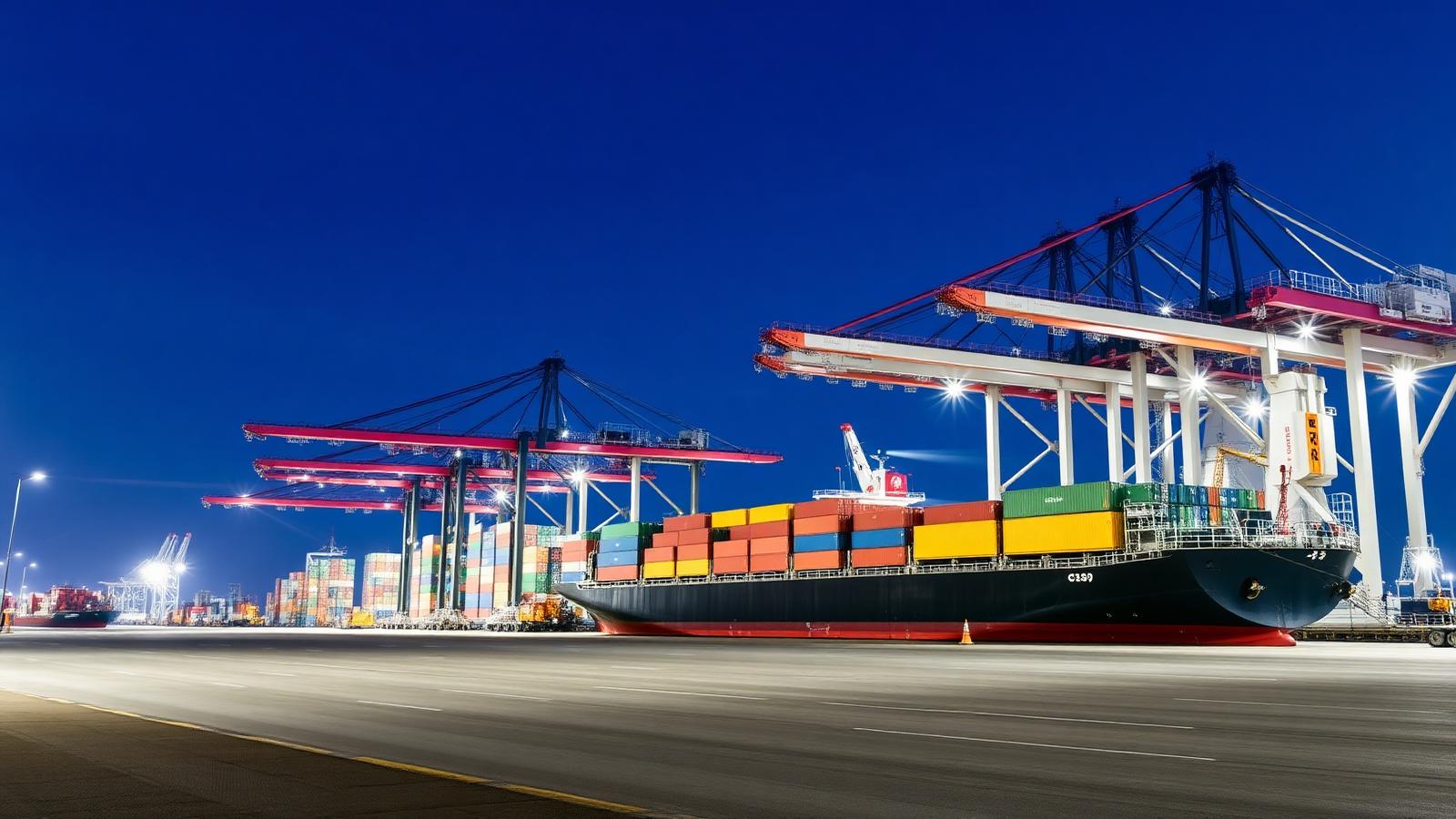
Raise a freight order request with origin, destination, cargo details and notes. Every request keeps a full status history, so you can see what changed and when.
Each order has its own private thread. Messages, questions and clarifications stay attached to the shipment instead of scattering across email.
Attach files directly to an order conversation. Uploads are validated server-side and stored in private storage that only your company and the logistics team can reach.
Quoted rates are shown on the order itself, so the commercial detail sits next to the operational detail rather than in a separate thread.
Register your company once, then add colleagues yourself. Owners choose per-user permissions for viewing orders, creating orders, messaging, documents and rates.
The whole portal switches between English and Simplified Chinese, so mixed teams work in the language they prefer.
Create the company account and the owner login in one flow, then confirm the email address with a one-time code.
The owner adds colleagues directly and chooses exactly what each person can see and do.
Raise order requests, watch them move through review and confirmation, and message the logistics team on the order itself.
Create a company account, or sign in if your company is already set up.